
Quick answer: The essential AV checklist for a corporate event covers five categories: audio (microphones, speakers, mixing), video (displays or LED walls, cameras, switching), lighting (stage, ambient, control), staging and scenic infrastructure, and networking/streaming for hybrid components. Scale each category to your room size, audience, and content.
Why Every Corporate Event Lives or Dies by Its AV Equipment
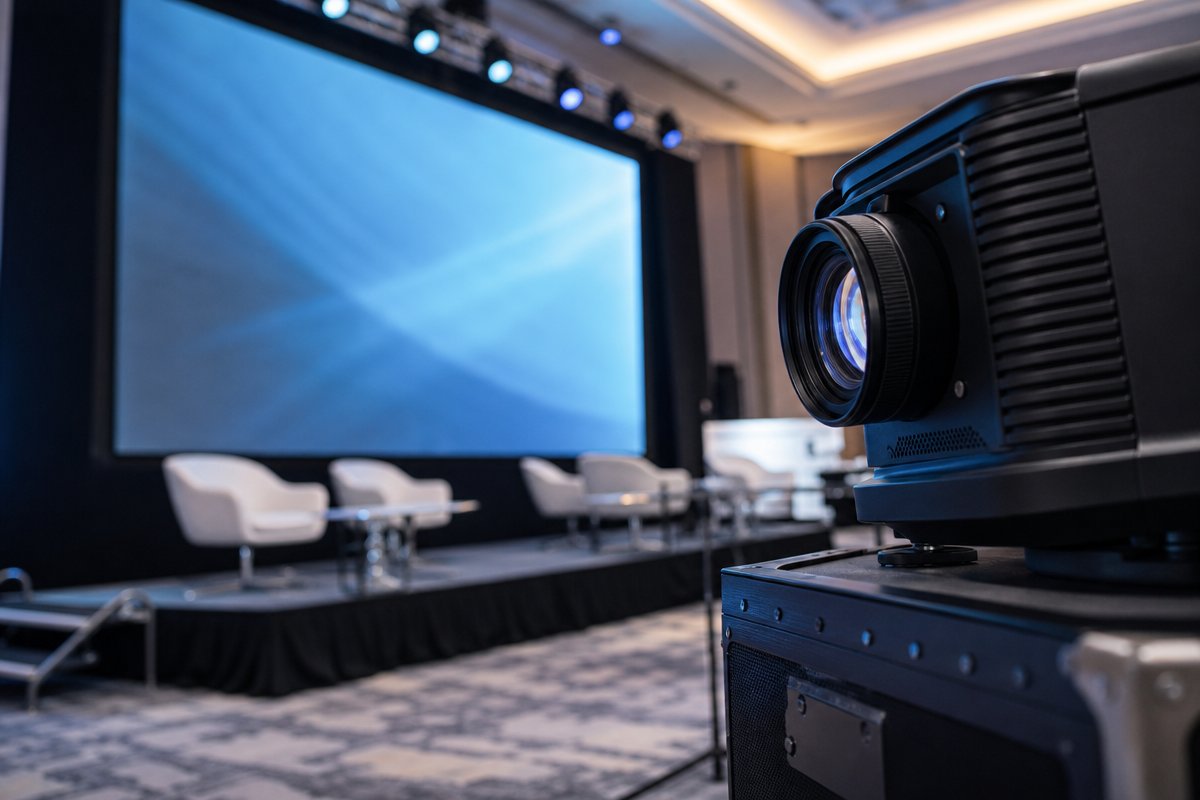
You have confirmed the venue, finalized the agenda, and sent the invitations. But without the right audiovisual infrastructure, even the most meticulously planned corporate event can fall flat. Professional AV has become a massive global industry, with live events and corporate meetings driving a significant share of that growth. The message is clear: AV services for corporate events are no longer a nice-to-have line item – they are the backbone of audience engagement, brand perception, and message delivery.
The challenge most planners face is not whether they need AV, but exactly what equipment they need. Underscoping leads to embarrassing technical failures. Overscoping blows the budget. This post gives you a categorized, actionable equipment checklist – organized by audio, video, lighting, staging, and networking – so you can scope your AV requirements accurately, communicate clearly with your production partner, and deliver a flawless experience for every attendee in the room.
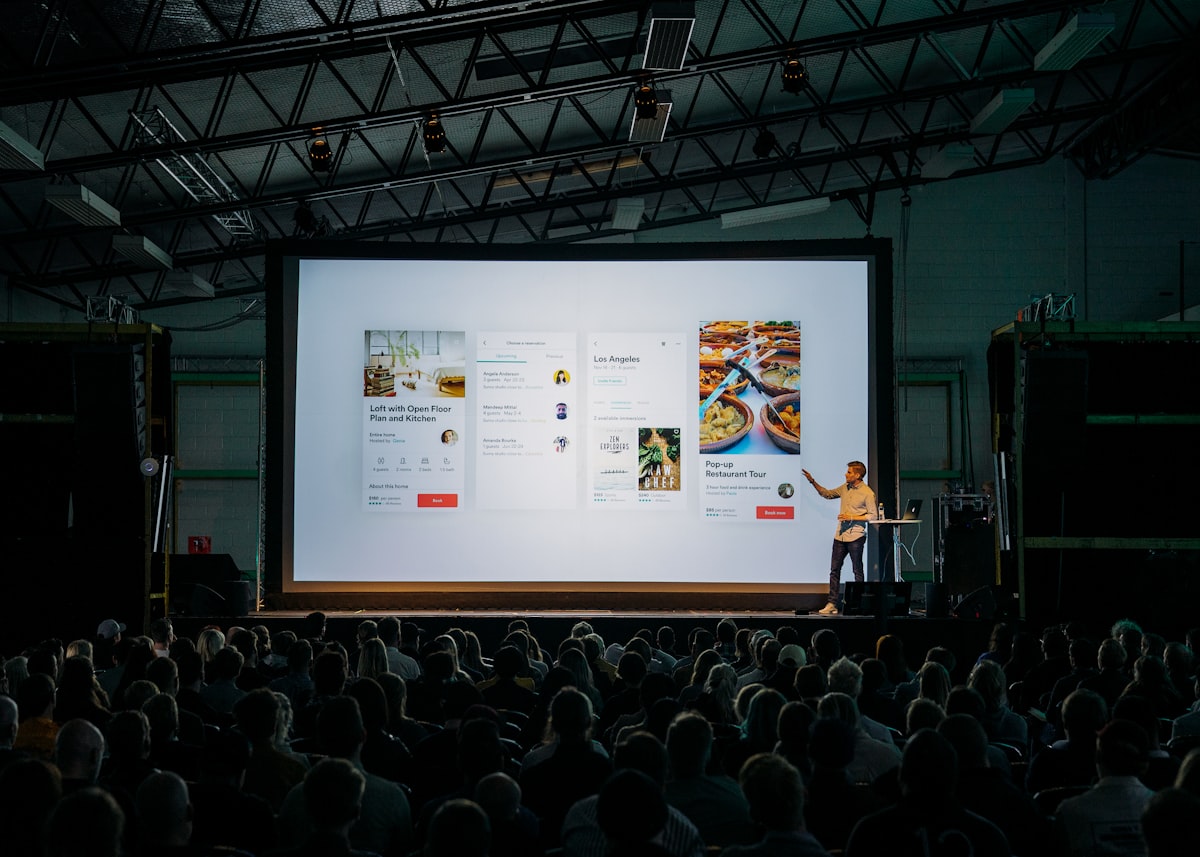
Audio Equipment: Making Sure Every Word Lands
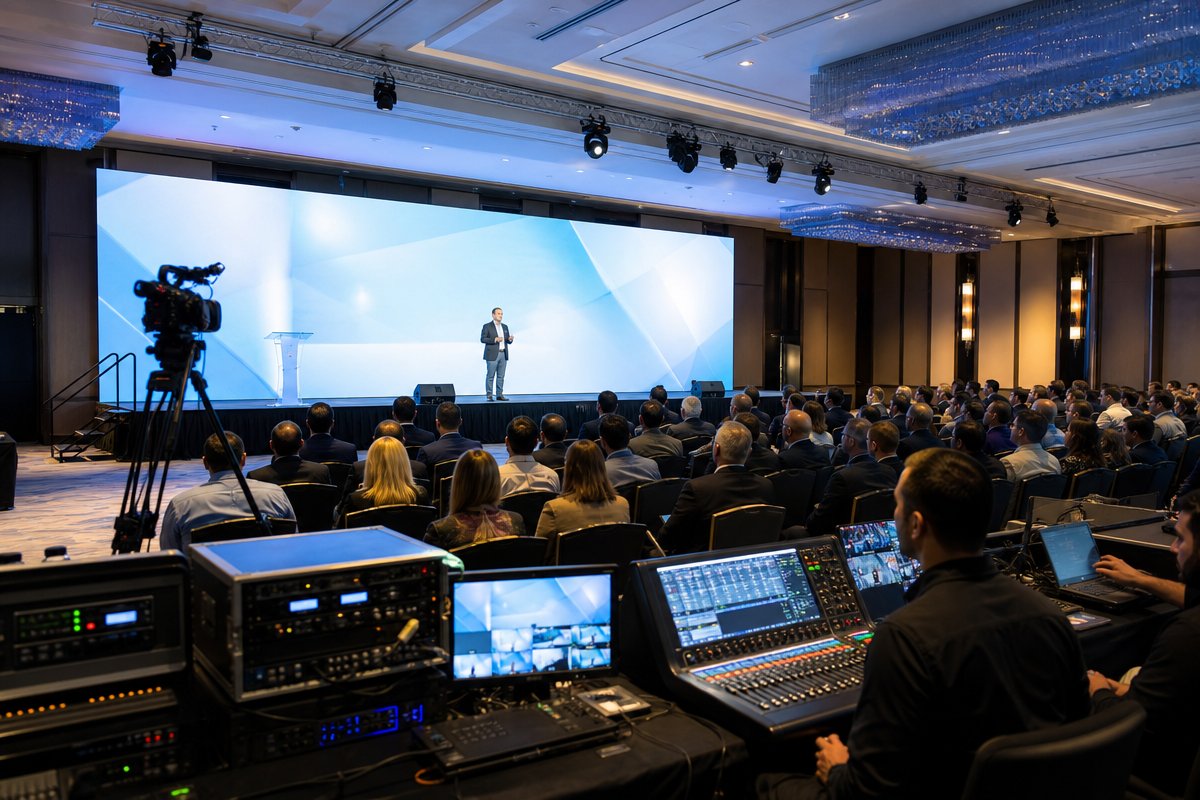
Audio is the single most underestimated category in corporate event production. Attendees will forgive an imperfect visual, but they will not tolerate muffled speech, feedback loops, or dead zones in the room. Whether you are hosting a 50-person board meeting in Tysons Corner or a 2,000-seat keynote at the Walter E. Washington Convention Center, your audio setup must be engineered for the specific space, audience size, and program format.
Microphones
- Wireless handheld microphones: The workhorse of any corporate event. Essential for keynotes, emcees, and panel Q&A. Plan for at least two backup units for events with multiple speakers.
- Wireless lavalier (lapel) microphones: Ideal for presenters who need to move freely on stage or use both hands for demonstrations. Choose frequency-coordinated systems to avoid interference when running multiple lavs simultaneously.
- Gooseneck microphones: Standard for podium-based presentations, boardroom setups, and government-style panel configurations commonly seen at DC-area federal events.
- Boundary microphones: Placed on conference tables for roundtable discussions, these capture ambient voice from all seated participants without visible hardware.
- Audience microphones on stands: Floor-standing mics positioned in aisles for live Q&A segments during town halls and all-hands meetings.
Speakers and Sound Reinforcement
- Line array speaker systems: For medium-to-large venues (200+ attendees), line arrays deliver even coverage across wide seating areas and minimize audio dead spots.
- Point-source powered speakers: Appropriate for smaller breakout rooms, boardrooms, and intimate event spaces across Northern Virginia and Maryland.
- Subwoofers: Required when your event includes walk-in music, video playback with soundtracks, or entertainment segments that demand low-frequency impact.
- Stage monitors or in-ear monitors: Allow presenters and performers to hear themselves clearly, reducing the tendency to shout or lose pace.
- Distributed delay speakers: For long, narrow venues or spaces with balconies, delay speakers ensure that audio arrives in sync for rear-seated attendees.
Audio Mixing and Processing
- Digital audio mixing console: The command center for all audio signals. A 32-channel digital console is standard for most corporate programs with multiple inputs.
- Wireless frequency coordination equipment: Critical in RF-dense environments like downtown DC hotels where dozens of wireless devices compete for spectrum.
- Audio recording interface: Captures a clean board mix for post-event content repurposing, compliance documentation, or on-demand playback.
Video Equipment: Visual Impact That Holds Attention
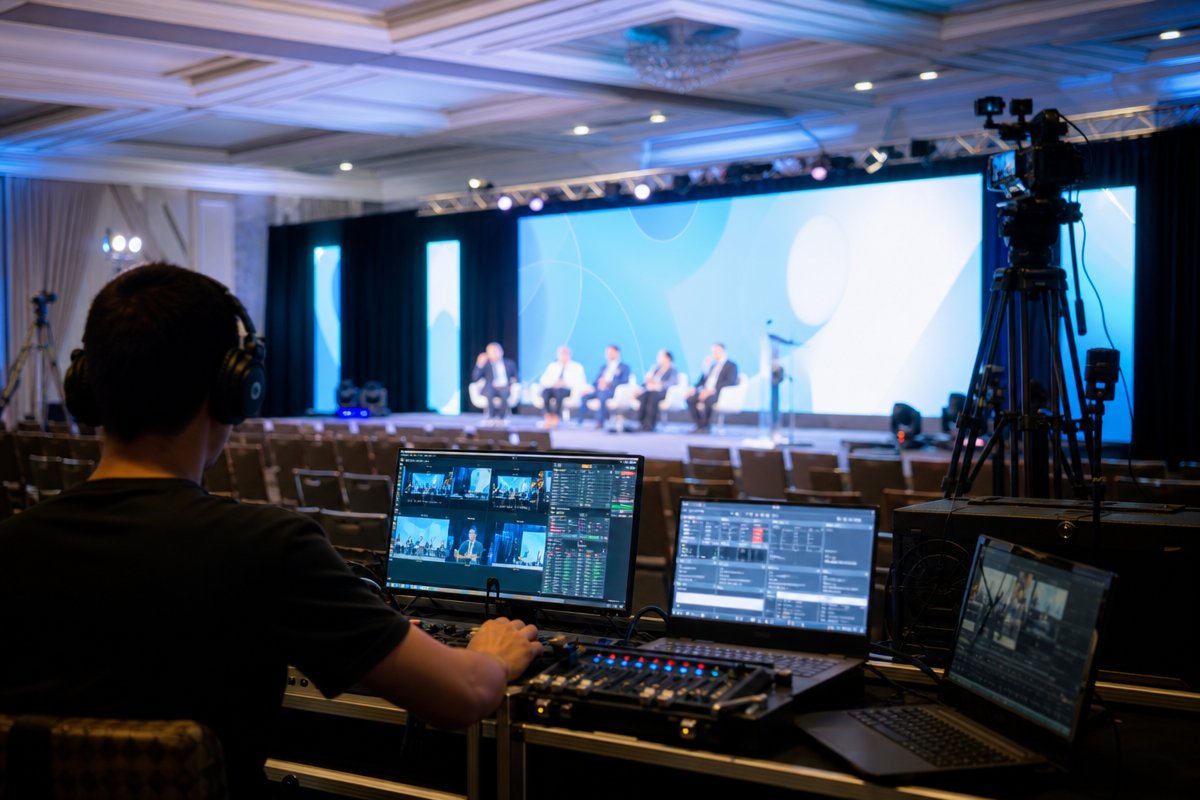
In 2026, attendees expect broadcast-quality visuals at every corporate event. From the presentation slides on screen to the live camera feeds of a CEO keynote, your video infrastructure sets the professional tone for your entire program.
Display Technology
- LED video walls: The gold standard for main-stage visuals. Indoor LED panels (typically 2.6mm to 3.9mm pixel pitch) deliver vibrant, high-resolution imagery visible even in fully lit ballrooms. TriVision maintains a substantial LED inventory for events across the DMV region.
- Large-format LCD monitors (55" to 85"): Ideal for breakout sessions, registration areas, sponsor displays, and digital signage throughout the venue.
- Projection systems: High-lumen laser projectors (10,000+ lumens) remain cost-effective for rear-projection blends, scenic projection mapping, and secondary presentation screens.
- Confidence monitors: Positioned at the foot of the stage so presenters can see their slides and notes without turning their backs to the audience. A small detail that dramatically improves speaker performance.
- Presenter timer displays: Countdown clocks visible only to the speaker, keeping your program on schedule without awkward hand signals from stage managers.
Camera and IMAG Systems
- PTZ (pan-tilt-zoom) robotic cameras: Remote-controlled cameras perfect for capturing speakers from multiple angles with a minimal crew footprint.
- Manned broadcast cameras: For high-visibility keynotes, galas, and live-streamed events, dedicated camera operators deliver dynamic framing and cinematic quality.
- IMAG (Image Magnification) system: Live camera feeds displayed on large screens so attendees in the back of a large ballroom can see speaker expressions and on-stage action in real time.
Video Switching and Playback
- Video switcher/scaler: Cuts between laptop inputs, video playback, camera feeds, and graphic overlays without visible glitches.
- Media server: Handles high-resolution video playback, animated backgrounds, and multi-screen content distribution for complex stage designs.
- Laptop interface kits: HDMI, USB-C, and wireless presentation adapters that ensure every presenter – regardless of device – can connect without delays.
Lighting Equipment: Setting the Mood and Directing Focus
Professional lighting transforms a generic hotel ballroom into a branded, immersive environment. It controls where the audience looks, how on-camera talent appears, and whether your event photographs look polished or washed out.
Stage and Presenter Lighting
- Ellipsoidal (Leko) fixtures: Deliver precise, focused beams for isolating speakers on stage. Gobos can be inserted to project logos or patterns onto surfaces.
- LED wash fixtures: Bathe the stage in even, color-adjustable light. RGBW fixtures allow you to match exact brand colors for corporate consistency.
- Follow spots: Operated manually to track a moving speaker or award recipient. Essential for galas, large keynotes, and entertainment segments.
Ambient and Architectural Lighting
- LED uplighting: Wireless battery-powered LED fixtures placed around the room perimeter to add color depth and transform blank walls into branded environments.
- Pin spots: Tight beams aimed at centerpieces, signage, or sponsor displays to draw visual attention.
- Intelligent moving lights: Programmable fixtures that create dynamic movement, color washes, and aerial effects during high-energy segments like award reveals or entertainment acts.
Lighting Control
- DMX lighting console: The control hub for all lighting cues. Experienced lighting designers pre-program scene changes so transitions run on their own during the show.
- Haze or atmospheric machines: A light haze makes lighting beams visible, adding dramatic depth to the room. Important for galas and experiential events – not typical for straightforward business meetings.
Staging, Scenic, and Infrastructure
The physical infrastructure of your event determines sight lines, speaker presence, and overall production value. Even the best audio and video systems underperform when placed on an inadequate stage or in a poorly configured room.
Staging Platforms
- Modular staging decks: Adjustable-height platforms (typically 16" to 48") that elevate presenters for visibility. Standard corporate stage sizes range from 16×12 feet for small presentations to 40×24 feet or larger for keynote stages.
- Stage skirting and finishing: Professional draping around the stage perimeter that conceals cables, structural hardware, and storage beneath the platform.
- ADA-compliant ramps: Required for accessibility and frequently mandated at government and association events in the DC metro area.
Scenic and Backdrop Elements
- Pipe and drape systems: Create clean backdrops, room dividers, and wing masking. Black or custom-printed drape panels are standard.
- Custom scenic flats and set pieces: Branded backdrops, dimensional logos, and built environments that turn a stage into a storytelling platform.
- Truss and rigging: Overhead aluminum truss structures support lighting fixtures, LED panels, speakers, and scenic elements safely above the stage and audience.
Networking, Streaming, and Hybrid Event Technology
Corporate events in 2026 almost always include a virtual or hybrid component. Even if you are not live-streaming the full program, you likely need reliable internet connectivity for presenter content, live polling, event apps, and post-event content capture.
Network Infrastructure
- Dedicated internet line (hardwired): Never rely on venue Wi-Fi for production-critical functions. A bonded or dedicated fiber line ensures bandwidth for streaming, cloud-based presentations, and real-time collaboration tools.
- Network switch and router: Creates a private, isolated production network separate from attendee Wi-Fi, preventing bandwidth competition.
- Wireless access points: If your event includes audience participation via mobile devices – polling, Q&A apps, social walls – additional WAPs prevent connectivity bottlenecks.
Live Streaming and Recording
- Streaming encoder: Hardware encoders convert your switched video program into a stream for platforms like Zoom, Microsoft Teams, YouTube, or custom event portals.
- Recording decks: Capture ISO camera feeds and the program output for post-event editing, highlight reels, and on-demand content libraries.
- Virtual event platform integration: If your hybrid audience is joining through a dedicated platform, your AV team must integrate video, audio, and interactive elements (chat, polls, Q&A) into that ecosystem.
Audience Engagement Technology
- Audience response systems: Dedicated keypads or app-based polling that let attendees vote, respond to surveys, or participate in live quizzes.
- Social media display walls: Curated live feeds of event hashtags displayed on secondary screens to encourage attendee engagement and amplify your event reach.
How to Use This Checklist Effectively
This equipment list is not a shopping list – it is a scoping framework. Not every corporate event needs every item listed above. Here is how to use it productively:
- Start with your program format. A three-hour awards gala has fundamentally different AV requirements than a full-day leadership summit with breakout sessions. Map your agenda first, then identify which equipment categories apply to each segment.
- Count your rooms and stages. Multi-room events at venues like the Gaylord National, Marriott Marquis, or Hilton McLean Tysons Corner require duplicated equipment sets for each active space.
- Identify your highest-risk moments. The CEO keynote, the live-streamed panel, the award reveal – these are the segments where AV failure is most visible and most damaging. Allocate your best equipment and dedicated technical operators to these moments.
- Share this list with your AV partner early. The earlier your production company understands your full scope, the more accurately they can quote, plan load-in logistics, and allocate crew.
- Ask about redundancy. For mission-critical events, your AV partner should provide backup systems for audio, video switching, and streaming. If they do not mention redundancy, ask.
Frequently Asked Questions About AV Services for Corporate Events
What AV equipment is essential for a basic corporate meeting?
At minimum, a corporate meeting requires a quality sound system with at least one wireless microphone, a display (projector or large-format monitor), a laptop input interface, and basic stage lighting so the presenter is clearly visible. For meetings of 50 or more attendees, you should add a mixing console, additional microphones for Q&A, and confidence monitors for the speaker. Even a seemingly simple meeting benefits from a professional audio setup – poor sound is the number one complaint from corporate event attendees.
How far in advance should I book AV services for a corporate event?
For events in the Washington DC, Northern Virginia, and Maryland area, we recommend booking your AV production partner at least 8 to 12 weeks in advance. High-demand periods – spring gala season (April through June) and fall conference season (September through November) – require even earlier planning. Large-scale events with custom staging, LED walls, or hybrid streaming components should begin AV planning 4 to 6 months out to ensure equipment availability and adequate pre-production time.
How do I know if I need an LED video wall or projection?
LED video walls deliver superior brightness, contrast, and color accuracy, making them ideal for main-stage presentations in fully lit ballrooms or outdoor events. Projection is more cost-effective for secondary screens, scenic projection mapping, or events in rooms where ambient light can be controlled. If your audience exceeds 200 people, your event is being live-streamed, or brand image is paramount, an LED wall is almost always the better investment. Your AV partner can recommend the right pixel pitch and panel configuration based on your venue dimensions and viewing distances.
What does a full AV crew look like for a corporate event?
A typical mid-size corporate event (200 to 500 attendees, single stage) requires an audio engineer (A1), an audio assistant (A2), a video engineer/switcher operator, one or two camera operators, a lighting designer/operator, a graphics operator, and a show caller or technical director who manages all cues. Larger events with multiple rooms, IMAG, and live streaming will require additional specialists. Your production partner should provide a detailed crew plan as part of their proposal.
Can I use the venue’s in-house AV for a corporate event?
Venue in-house AV can handle basic meeting setups – a projector, screen, and podium mic. However, for events requiring branded stage designs, LED video walls, multi-camera IMAG, professional lighting design, or hybrid streaming, an outside full-service production company will deliver a significantly higher level of quality, customization, and technical expertise. Many planners in the DMV area start with in-house AV and upgrade to an outside partner once they realize the limitations. The key question is whether your event is a standard meeting or a branded experience – the answer determines your approach.
What is the biggest AV mistake corporate event planners make?
Underestimating audio. Planners often allocate the majority of their AV budget to visual elements – LED walls, scenic backdrops, lighting – while treating audio as an afterthought. But if your audience cannot clearly hear every speaker, nothing else matters. The second most common mistake is failing to schedule a proper technical rehearsal. A 60- to 90-minute rehearsal the day before or morning of the event catches issues with microphone levels, presenter content formatting, video playback, and lighting cues before your audience is in the room.
Scope Your Next Event with Confidence
Planning AV services for corporate events does not have to be a guessing game. With this equipment checklist as your framework, you can walk into conversations with your production partner prepared, specific, and confident that nothing will fall through the cracks.
At TriVision Event Production, we have spent over 30 years delivering end-to-end AV and event production services for corporate clients, associations, government agencies, and nonprofits across Washington DC, Northern Virginia, and Maryland. From a 50-person executive briefing to a 5,000-seat general session, our team brings the equipment, the expertise, and the meticulous planning that complex events demand.
Ready to scope your next corporate event? Contact TriVision Event Production for a detailed consultation and custom equipment proposal tailored to your venue, audience, and program goals.
Let’s talk about your event
Tell us the date and the room - we’ll bring the plan.