
Quick answer: Speakers at DC conferences need four things from AV support: a confidence monitor they can actually see, the right microphone for their presentation style, professional presentation management with files collected and tested in advance, and a dedicated tech rehearsal before doors open. Get those four right and most speaker AV failures never happen.
Here is a uncomfortable truth most conference planners learn too late: your keynote speaker just bombed – not because of weak content, but because the AV setup failed them. Speakers who run into technical difficulties mid-presentation rarely recover their confidence – and audience engagement drops with it. When you are investing thousands of dollars in speaker fees, travel, and venue costs, the last thing you need is a microphone cutting out or a presenter squinting at a laptop they cannot see. Conference AV support in DC is not just about plugging in cables – it is about creating the invisible infrastructure that lets your speakers shine.
This guide flips the script on traditional AV planning. Instead of focusing solely on what planners need to order, we are walking you through what your speakers actually need to deliver a powerful, distraction-free presentation in the Washington DC, Northern Virginia, and Maryland region.

Why Speaker-Centric AV Planning Changes Everything

Most conference AV conversations start and end with the planner. What is the room size? How many breakout sessions? What is the budget? These are essential questions, of course. But there is a critical stakeholder whose needs routinely get overlooked until the day of the event: the speaker.
When speakers feel supported by the technology around them, the results are measurable. They make better eye contact with the audience instead of turning to check slides. They project confidence because they can hear themselves clearly. They stay on time because visual cues are built into their sightlines. And your attendees? They walk away saying it was the best conference they have attended all year.
The Real Cost of Poor Speaker AV Experiences
In a market as competitive as Washington DC – where associations, government agencies, and Fortune 500 companies host thousands of conferences every year – your event is reputation. Consider these consequences of inadequate speaker AV support:
- Lost credibility: A speaker struggling with technology reflects poorly on your organization, not just the speaker.
- Reduced engagement: Audiences disengage quickly after a technical hiccup – and that attention is hard to win back.
- Speaker dissatisfaction: Top-tier keynote speakers talk to each other. One bad experience can affect your ability to recruit talent for future events.
- Wasted investment: If attendees miss the message because of AV failures, your entire content strategy suffers.
This is precisely why organizations across DC, Northern Virginia, and Maryland turn to experienced full-service production partners rather than relying on in-house venue AV alone.
Confidence Monitors: The Single Most Important Thing Your Speakers Need
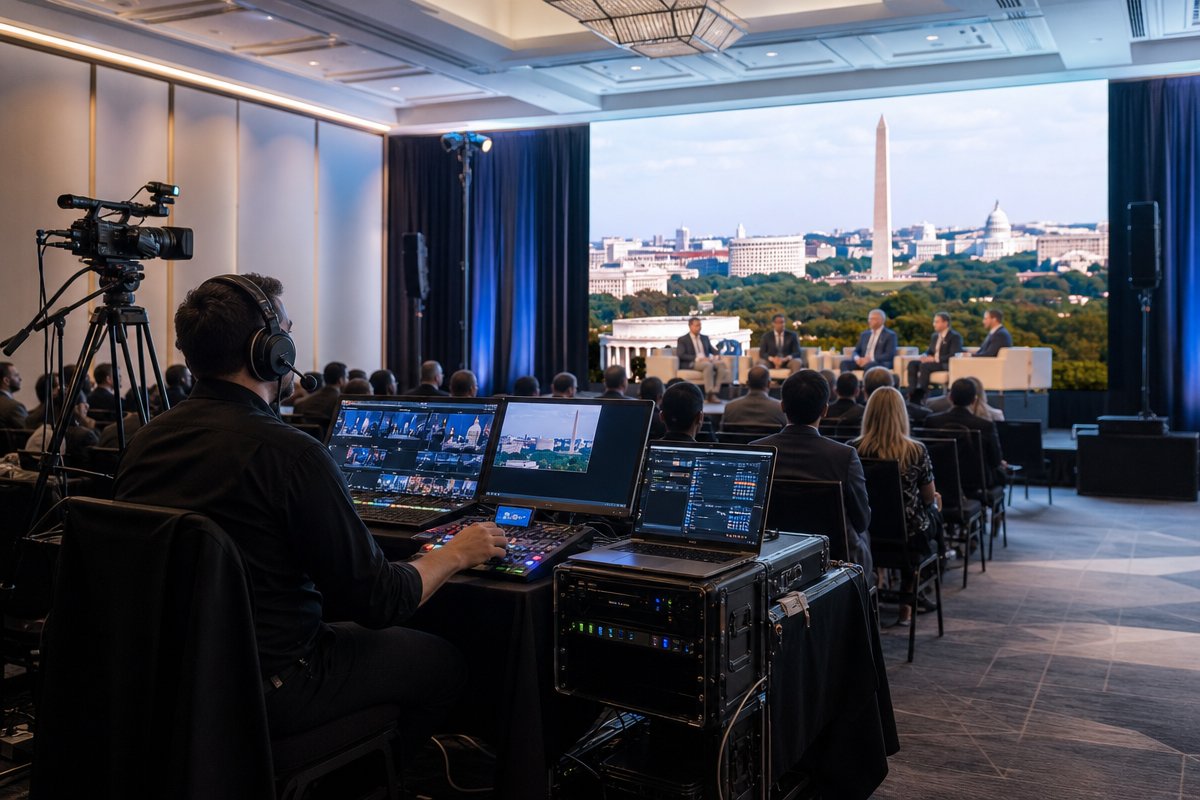
If you take one thing away from this entire article, let it be this: every conference stage needs confidence monitors. Period.
A confidence monitor is a screen placed at the foot of the stage, facing the presenter, that displays their current slide, upcoming slide, and often a timer. It is the teleprompter equivalent for conference speakers, and it is the number one request from professional presenters.
Why Confidence Monitors Matter So Much
- Speakers never turn their backs to the audience. Without a confidence monitor, presenters instinctively turn to look at the projection screen behind them. This kills eye contact and audience connection.
- They can see what is coming next. Presenter view on a confidence monitor shows the next slide, allowing speakers to move to the next slide without breaking stride.
- Timer integration keeps sessions on schedule. A visible countdown timer helps speakers self-manage their time without awkward signals from the wings.
- They reduce anxiety. Even seasoned speakers feel more at ease knowing they have a visual safety net.
Confidence Monitor Setup Best Practices for DC Conferences
Not all confidence monitor setups are created equal. Here is what experienced AV production teams get right:
- Dual monitors for wide stages: If your stage is wider than 20 feet, place one confidence monitor on each side so the speaker can reference slides regardless of where they are standing.
- Proper brightness and angle: In venues with heavy ambient lighting – common in DC hotel ballrooms and convention centers – monitors need sufficient brightness (at least 500 nits) and correct tilt angles.
- Presenter view, not audience view: The monitor should display the PowerPoint presenter view with notes, next slide, and timer – not just a mirror of the main screen.
- Rehearsal time: Speakers should get 10-15 minutes on stage with the confidence monitors before the event begins so they know exactly where to look.

Microphone Types and Why the Wrong Choice Ruins Presentations
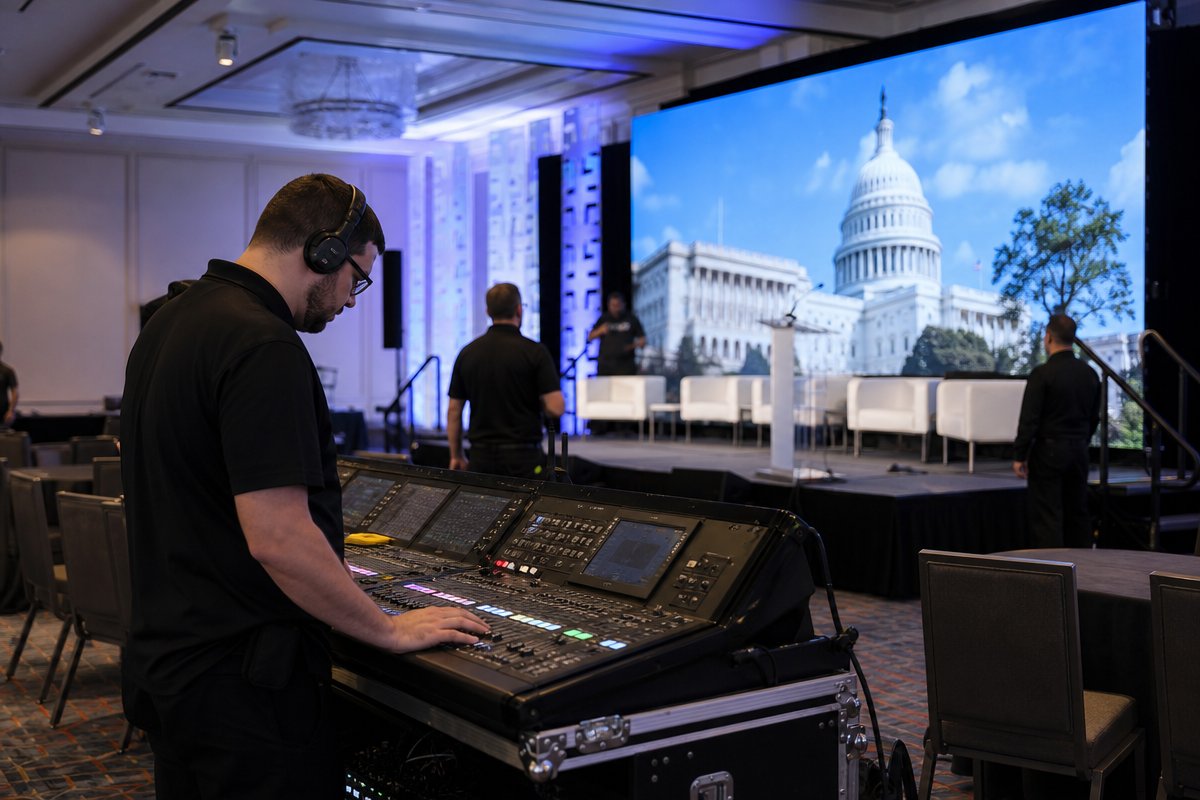
Microphone selection is not a one-size-fits-all decision, yet it is often treated that way. Different speakers have different needs, and the format of their presentation should dictate the mic type – not whatever happens to be available in the venue closet.
Lavalier (Lapel) Microphones
Best for: panel discussions, fireside chats, presentations where the speaker needs both hands free.
- Clips to clothing near the collarbone for consistent audio pickup.
- Allows full freedom of movement across the stage.
- Requires proper placement – too low and it picks up clothing rustle, too high and it sounds thin.
- Pro tip: Always have a backup lav mic ready. Wireless lavalier systems can experience interference, especially in RF-heavy environments like DC convention centers.
Headset Microphones
Best for: energetic keynote speakers, presenters who move dramatically, any speaker prioritizing consistent audio quality.
- Maintains a fixed distance from the mouth regardless of head movement.
- Delivers the most consistent audio quality of any wireless option.
- Preferred by professional keynote speakers and TEDx-style presenters.
- Requires skin-tone matching and proper fitting for a polished look on camera.
Handheld Wireless Microphones
Best for: Q&A sessions, audience interaction segments, emcees, and moderators.
- Intuitive for speakers who are not accustomed to wearing body packs.
- Easy to pass between panelists or audience members.
- Limits one hand, which can restrict gestures and slide advancement.
Podium (Gooseneck) Microphones
Best for: formal remarks, award presentations, government and policy-oriented conferences.
- Stationary and reliable – no wireless interference concerns.
- Keeps the speaker anchored to the podium, which some formats require.
- Common in DC government and association conference settings.
A skilled conference AV support team will ask speakers in advance which type they prefer and conduct a sound check before doors open. This is standard practice for TriVision Event Production, where three decades of experience have made speaker comfort a foundational part of every AV plan.
Presentation Management: The Behind-the-Scenes Work Speakers Never See
What happens between the moment a speaker emails their PowerPoint and the moment it appears on the big screen is where professional AV support earns its value. Presentation management is a discipline unto itself, and it is one of the most underappreciated aspects of conference AV support in DC.
Pre-Event Presentation Collection and QC
- File collection deadlines: Professional AV teams establish a deadline (typically 72 hours before the event) for all speaker files.
- Format verification: Checking for font compatibility, embedded video playback, animation rendering, and aspect ratio matching (16:9 vs. 4:3).
- Version control: Speakers frequently send updated decks. A robust naming convention and version tracking system prevents the nightmare of running the wrong file.
On-Site Presentation Switching
During multi-speaker conferences, clean handoffs between presenters require a dedicated presentation operator – sometimes called a show caller or graphics operator. This person:
- Pre-loads all presentations in sequence on a show machine.
- Advances slides on the speaker’s verbal or physical cue.
- Manages live demos, video playback, and hybrid content feeds.
- Coordinates with the stage manager to ensure smooth speaker transitions.
Handling Last-Minute Changes Like a Pro
Every experienced AV professional has a story about a speaker arriving with a USB drive five minutes before their session with a completely new deck. In the DC conference market, this happens constantly – especially with government and policy speakers whose content is often finalized at the last possible moment due to regulatory or approval processes. A strong AV partner builds contingency workflows specifically for these scenarios.

Stage Layout and Sightlines: Designing the Space Around the Speaker
AV support does not exist in isolation – it is deeply connected to how the stage is physically designed. The best conference AV support in DC considers every element of the speaker’s physical environment.
Key Stage Design Considerations for Speaker Success
- Monitor placement relative to the speaker mark: Confidence monitors should be at natural eye level and within the speaker’s peripheral vision without requiring them to look down.
- Lighting that does not blind: Front wash lighting is essential for cameras and audience visibility, but improperly aimed lights can make it impossible for speakers to see their audience – a common complaint. Experienced lighting designers balance visibility with speaker comfort.
- Clear stage edges: LED tape or subtle lighting along stage edges prevents speakers from accidentally stepping off – a genuine safety concern on elevated stages.
- Audio foldback (stage monitors or in-ear monitors): In large ballrooms, speakers cannot hear themselves without foldback audio. This is critical for maintaining vocal pace and energy. In-ear monitors are preferred for high-profile keynotes.
- Clicker/slide advancer range testing: Wireless slide advancers have limited range and can experience interference. Testing range during rehearsal is non-negotiable.
The Pre-Event Speaker Tech Rehearsal: A Non-Negotiable
If your conference schedule does not include a dedicated tech rehearsal window, you are gambling with your event’s success. Here is what a proper speaker tech rehearsal includes:
- Walk-through of the stage: Speaker gets comfortable with the physical space, confidence monitor placement, and stage dimensions.
- Microphone fitting and sound check: Audio levels are set for each speaker’s unique voice and projection style.
- Slide run-through: At minimum, the first three and last three slides are tested to verify formatting, fonts, video playback, and transitions.
- Timer and cue review: Speakers learn how they will be notified when time is running short (visual timer, light cue, or stage manager signal).
- Backup plan communication: What happens if the clicker dies? If a video does not play? If the speaker wants to skip ahead? Establishing these protocols in rehearsal prevents on-stage panic.
At TriVision Event Production, speaker tech rehearsals are built into every conference production timeline. With over 30 years of managing complex, high-visibility events across Washington DC, Northern Virginia, and Maryland, the team understands that a 15-minute rehearsal per speaker can save hours of troubleshooting during the live event.
Frequently Asked Questions About Conference AV Support in DC
What does conference AV support typically include for speakers?
Comprehensive conference AV support for speakers includes confidence monitors, professional microphone selection and fitting, presentation management (file collection, formatting, and on-site switching), stage monitoring audio, slide advancers, and a dedicated tech rehearsal. Full-service providers like TriVision also include a show caller or stage manager who coordinates all technical cues during each presentation.
How far in advance should I book AV support for a DC conference?
For conferences in the Washington DC metro area, booking your AV production partner 3-6 months in advance is recommended, especially during peak conference season (September through November and March through May). High-demand venues like the Walter E. Washington Convention Center, Gaylord National, and Marriott Marquis often have preferred vendor lists, but you typically have the right to bring in your own AV provider – and doing so often delivers better value and service.
Do speakers really need confidence monitors, or is a laptop on the podium enough?
A laptop on the podium is a minimum viable solution, not a professional one. Confidence monitors are dramatically superior because they are larger, positioned at natural sightlines, and display presenter view with timers. For any conference with more than 100 attendees or any speaker not standing behind a podium, confidence monitors are essential. They are standard at virtually every professionally produced conference in DC in 2026.
What is the most common AV mistake at DC conferences?
The most common mistake is not conducting a speaker tech rehearsal. Planners often assume everything will work because they tested the system the night before – but each speaker interacts with the technology differently. A brief per-speaker sound check and slide verification catches 90% of potential issues before the audience ever enters the room.
How much does professional conference AV support cost in the DC area?
Costs vary significantly based on conference size, number of breakout rooms, and production complexity. A single-room, single-day conference with basic AV might start around $5,000-$10,000, while multi-day, multi-room events with LED walls, livestreaming, and full show management can range from $25,000 to $150,000 or more. The key is working with a transparent production partner who provides detailed line-item proposals so you understand exactly what you are paying for.
Can my speakers use their own laptops for presentations?
While it is technically possible, professional AV teams strongly discourage it. Switching between multiple laptops introduces delays, compatibility risks, and signal issues. Best practice is to collect all presentations in advance, load them onto a single show machine, and have a graphics operator manage playback. If a speaker absolutely must use their own device (for live software demos, for example), the AV team should test the connection during rehearsal and have a backup plan ready.
Give Your Speakers the AV Support They Deserve
Your speakers are the heartbeat of your conference. They are the reason attendees register, the reason sponsors invest, and the reason your organization builds its reputation year after year. They deserve more than a plugged-in projector and a hope-for-the-best approach to sound.
Professional conference AV support in DC means thinking about every element of the speaker experience – from the confidence monitors that keep their eyes on the audience, to the microphone that captures every word, to the presentation management system that makes slide transitions invisible, to the tech rehearsal that transforms nervous energy into confident delivery.
TriVision Event Production has been the trusted production partner for corporate and organizational clients across Washington DC, Northern Virginia, and Maryland for over 30 years. Our team specializes in building speaker-centric AV environments for conferences and summits of every scale – because we know that when your speakers succeed, your event succeeds.
Ready to give your speakers this kind of support? Contact TriVision Event Production today to start planning AV support that puts your speakers – and your event – in the best possible position.
Let’s talk about your event
Tell us the date and the room - we’ll bring the plan.